
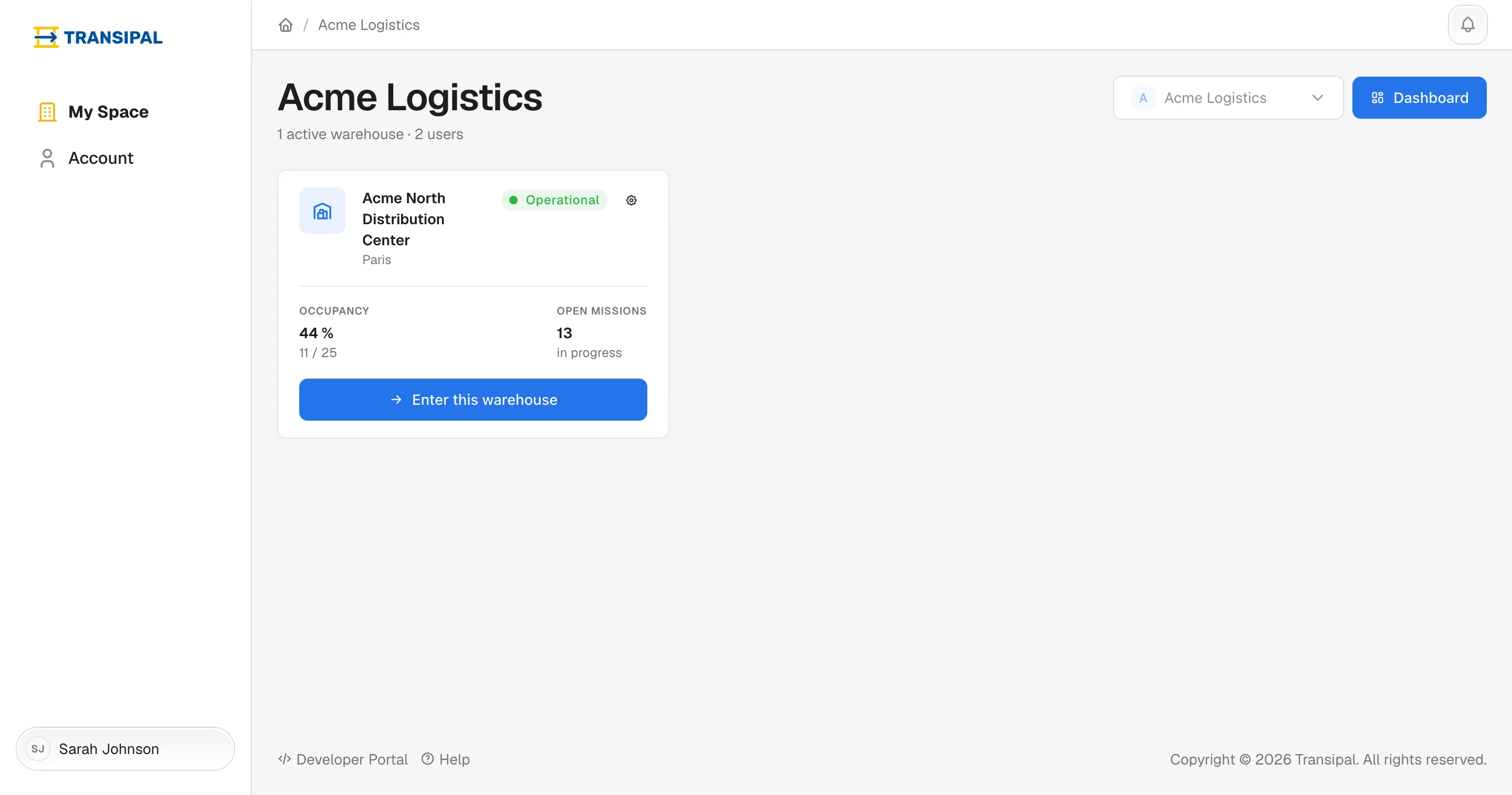
Once logged in, you see the list of your warehouses. One card per warehouse, with its city, how full it is and its missions in progress.
Enter a warehouse
Click Enter this warehouse. Its dashboard opens: you see what there is to do today.
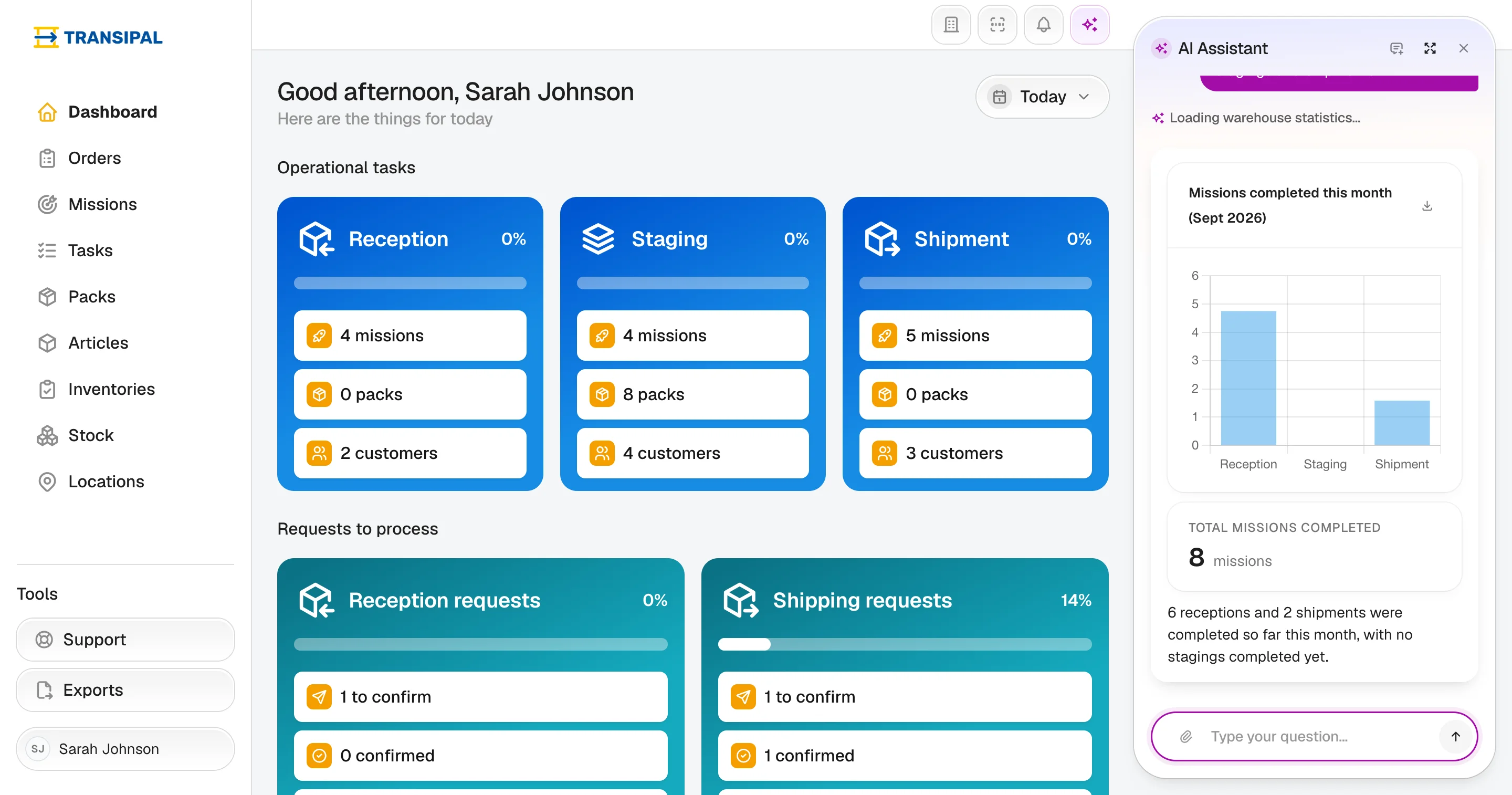
Each warehouse has its own address, for example lyon.transipal.com. Bookmark it: the next day, you land straight in your warehouse.
You work for several companies
Pick the company in the selector at the top right: the list shows its warehouses.
Change warehouse
The building icon, at the top right of every page, takes you back to the list of your warehouses.
Manage the company
You are a manager? The Dashboard button, next to the company's name, opens the area where you manage your customers, your team and your warehouses. See Company.
This page does not answer your question?
Contact us