
Open support
The simplest: from the screen causing trouble, click Support, at the bottom of the sidebar. Support will know which page you were on.
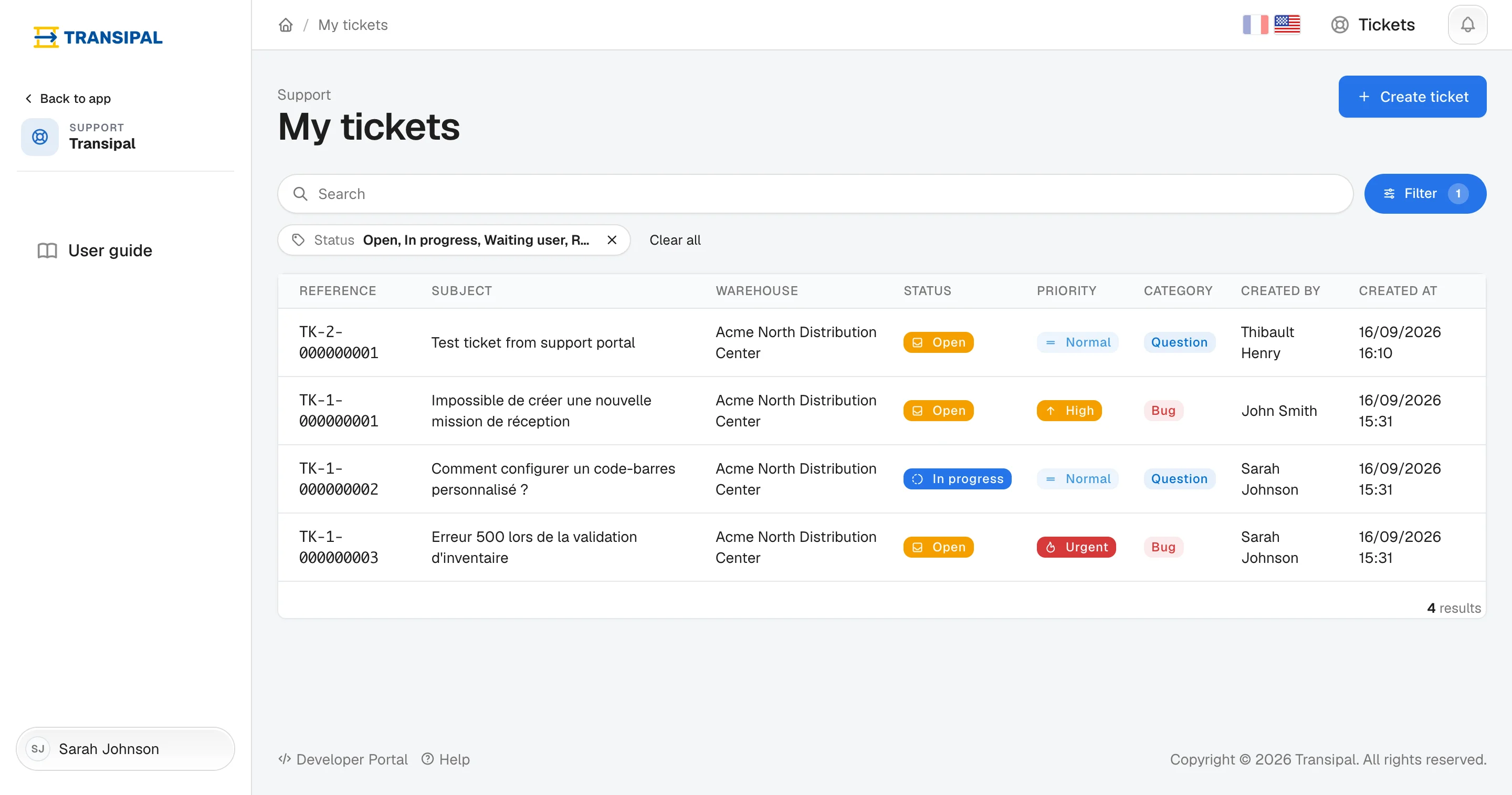
The list of your tickets opens.
Write your request
- Click Create ticket.
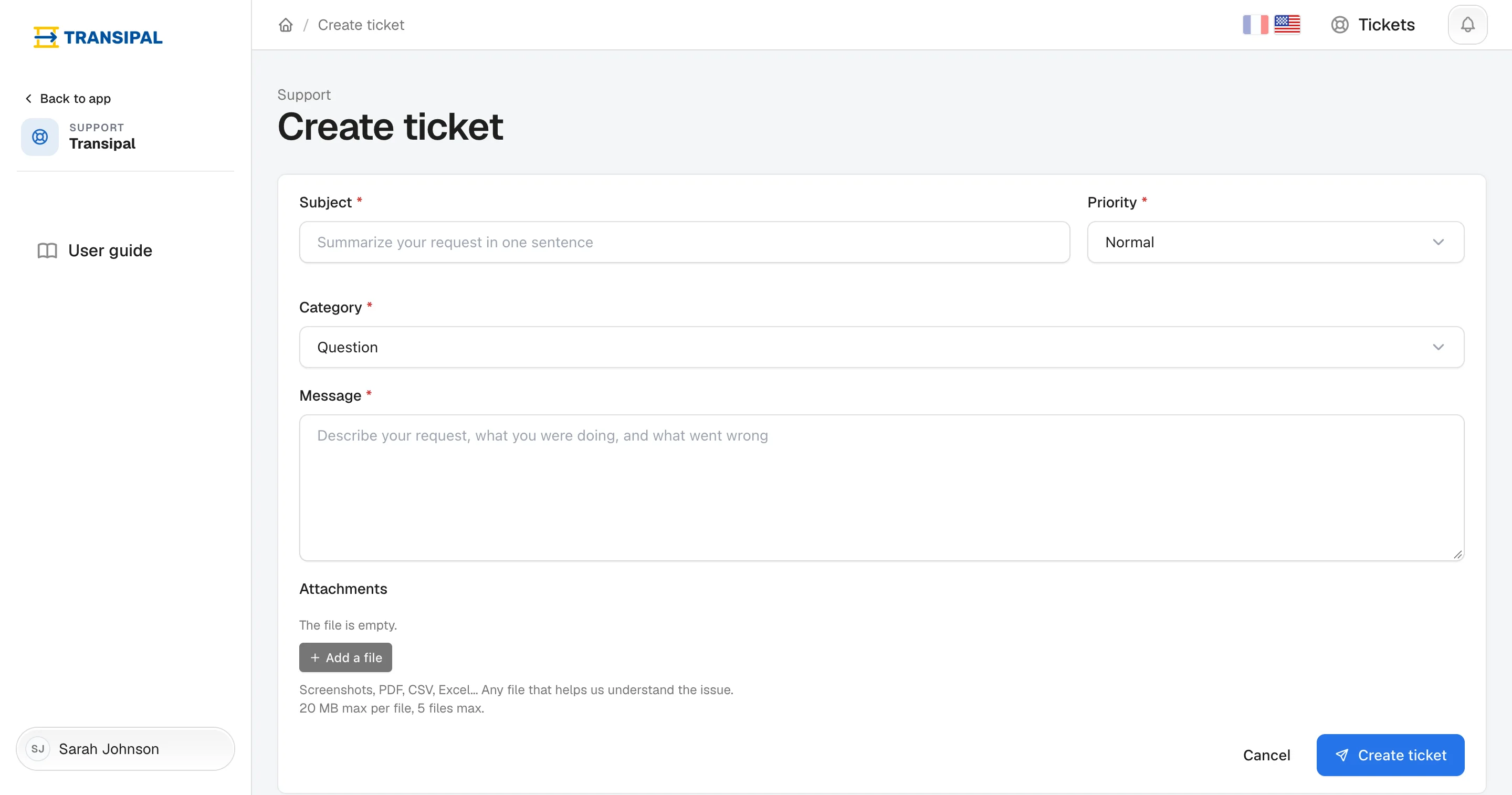
- Fill in the form:
- Subject: one sentence that sums it up, "Cannot close reception M-2-000000014";
- Priority: Urgent only when the warehouse is blocked;
- Category: a bug, a question, a training request or an improvement idea;
- Message: what you were doing, what you expected, what happened.
- Add a screenshot with Add a file.
- Click Create ticket.
A screenshot and the reference of the mission, task or pack concerned save support a round trip.
Find your tickets
The list shows the tickets in progress. To find an old ticket, add Closed to the status filter.
This page does not answer your question?
Contact us