
An order is ready to process, a ticket got an answer? Transipal lets you know.
The bell
The bell, at the top right, shows a red dot with the number of unread notifications.
- Click the bell: your notifications open, newest first.
- Click a notification: Transipal opens the page concerned and marks it read.
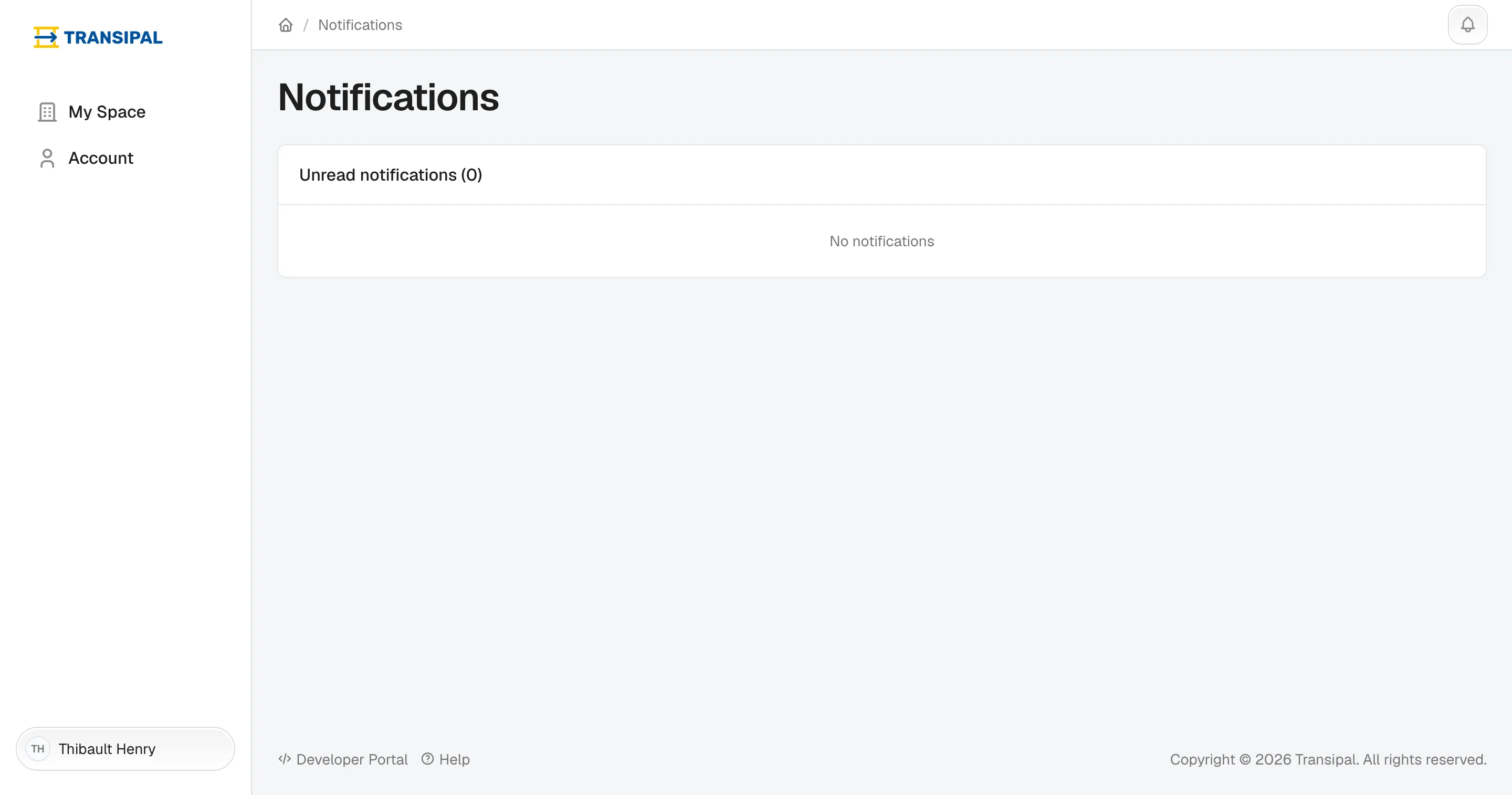
Seen everything? Mark all as read empties the list.
By email
Important notifications also reach you by email, in your language. You stay informed even when Transipal is not open.
Emails come from [email protected]. Add that address to your contacts so they do not land in your spam.
This page does not answer your question?
Contact us