
First login
You received an invitation email? Click the link it contains, choose your password, then log in with your email address.
Logging in afterwards
- Go to
www.transipal.comand open the login page. - Key your email address and your password.
- Click Sign In.
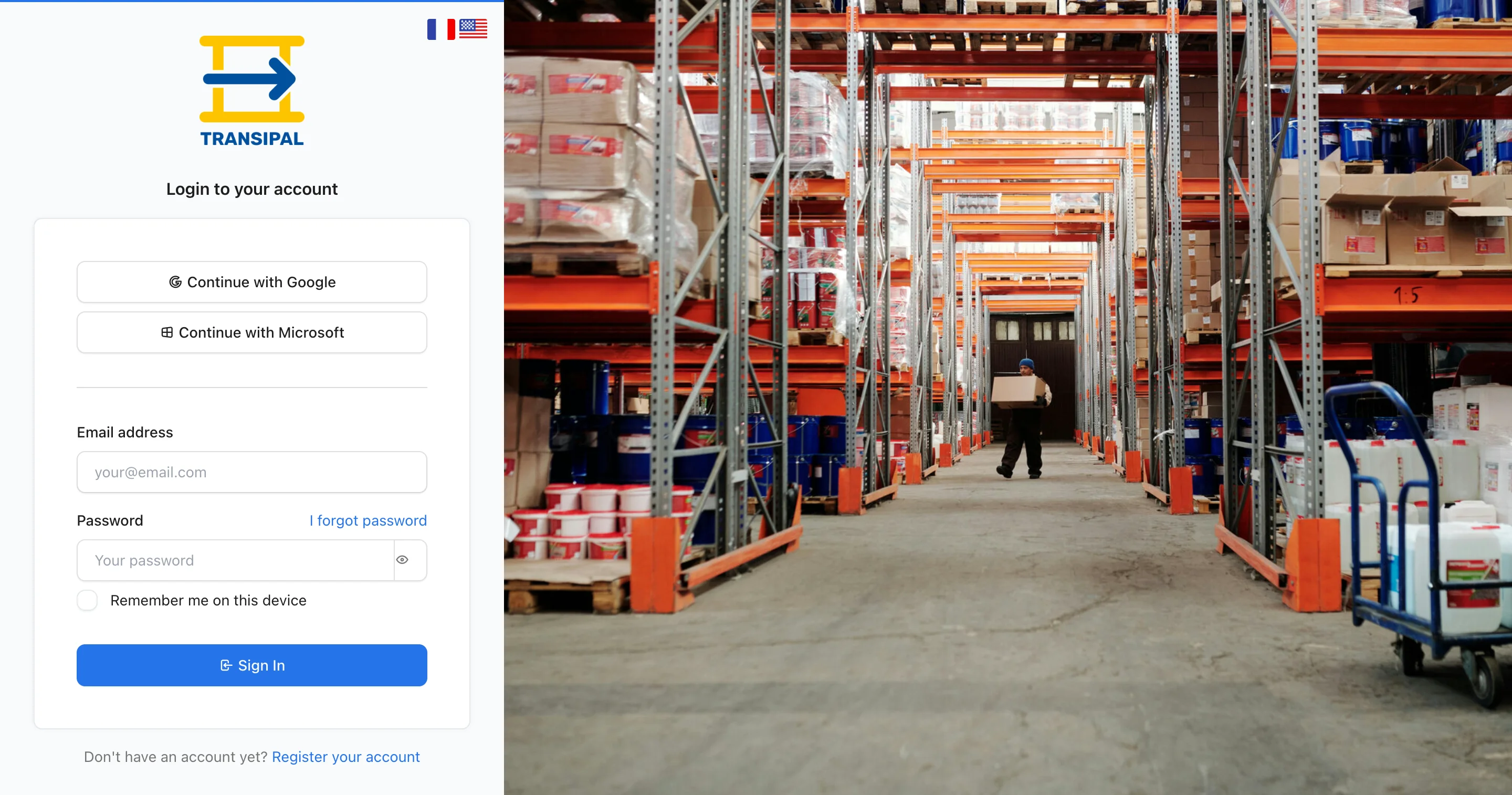
Rather not remember one more password? Click Google or Microsoft, with the same email address as your Transipal account.
On your own computer, tick Remember me on this device: you stay logged in for a week. On a shared warehouse computer, leave it empty.
Forgotten password
- On the login page, click I forgot password.
- Key your email address.
- Open the email you receive and click the link, within the hour.
- Choose a new password: at least eight characters, with an uppercase letter, a lowercase letter, a digit and a special character.
French or English
The flags at the top of the login page change the language. Once logged in, Transipal shows in your account's language: change it in My account.
This page does not answer your question?
Contact us