
Click your name, at the bottom of the sidebar, then Account.
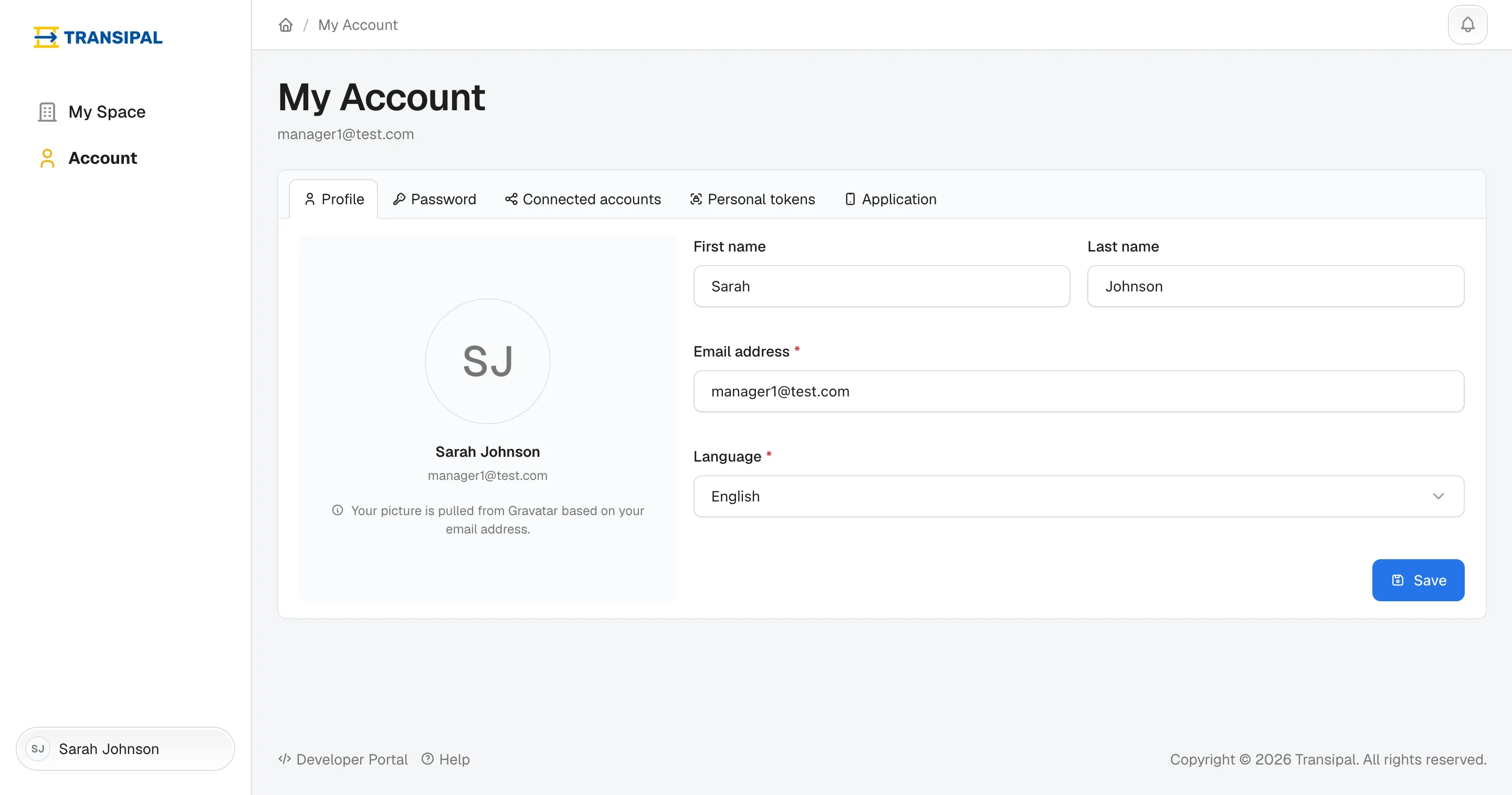
Your name and your language
In the Profile tab, correct your first or last name, pick French or English, then click Save. The language applies to the screen and to the emails you receive.
Your password
Password tab: key the new one twice. It has at least eight characters, with an uppercase letter, a lowercase letter, a digit and a special character.
Google or Microsoft
Connected accounts tab: link your Google or Microsoft account to log in with one click, or remove the link.
Connect another software
The Personal tokens tab connects Transipal to another software, your ERP for example. If your IT provider asks you:
- Name the token: "ERP".
- Pick Read only if it should only read data, Read & write if it must create some.
- Click Generate token, then copy the token and pass it to your provider.
The token shows only once. Treat it like a password. Lost it? Delete it with the bin and generate a new one.
This page does not answer your question?
Contact us